

Download Window Inspector – window inspector, screen analysis, UI debugging, app development, mobile testing
Overview
Window Inspector is a productivity-focused mobile application designed for developers and testers engaged in mobile application development and UI debugging. Its primary purpose is to provide real-time insights into the layout and structure of on-screen elements, enabling precise analysis of user interfaces during the development or testing phase. By offering a structured view of screen components, the app helps identify layout inconsistencies, misaligned views, and potential accessibility issues before deployment.
Target users include mobile developers, QA testers, and UI/UX designers who require a lightweight tool to inspect and debug interface elements on Android devices. The app is particularly useful in scenarios where rapid on-device testing is necessary, such as during iterative development cycles or troubleshooting visual bugs in complex layouts. It supports use cases like verifying touch target sizes, checking view hierarchy, and validating responsive behavior across different screen densities.
Developed by Window Inspector, the app is positioned as a utility for technical professionals rather than general consumers. While specific details about the developer’s background were not provided, the app’s functionality aligns with the growing demand for accessible, on-device debugging tools in the mobile development ecosystem. Its presence underscores the importance of lightweight, efficient utilities that complement traditional development environments without requiring complex setup.
Key Features & Functionality
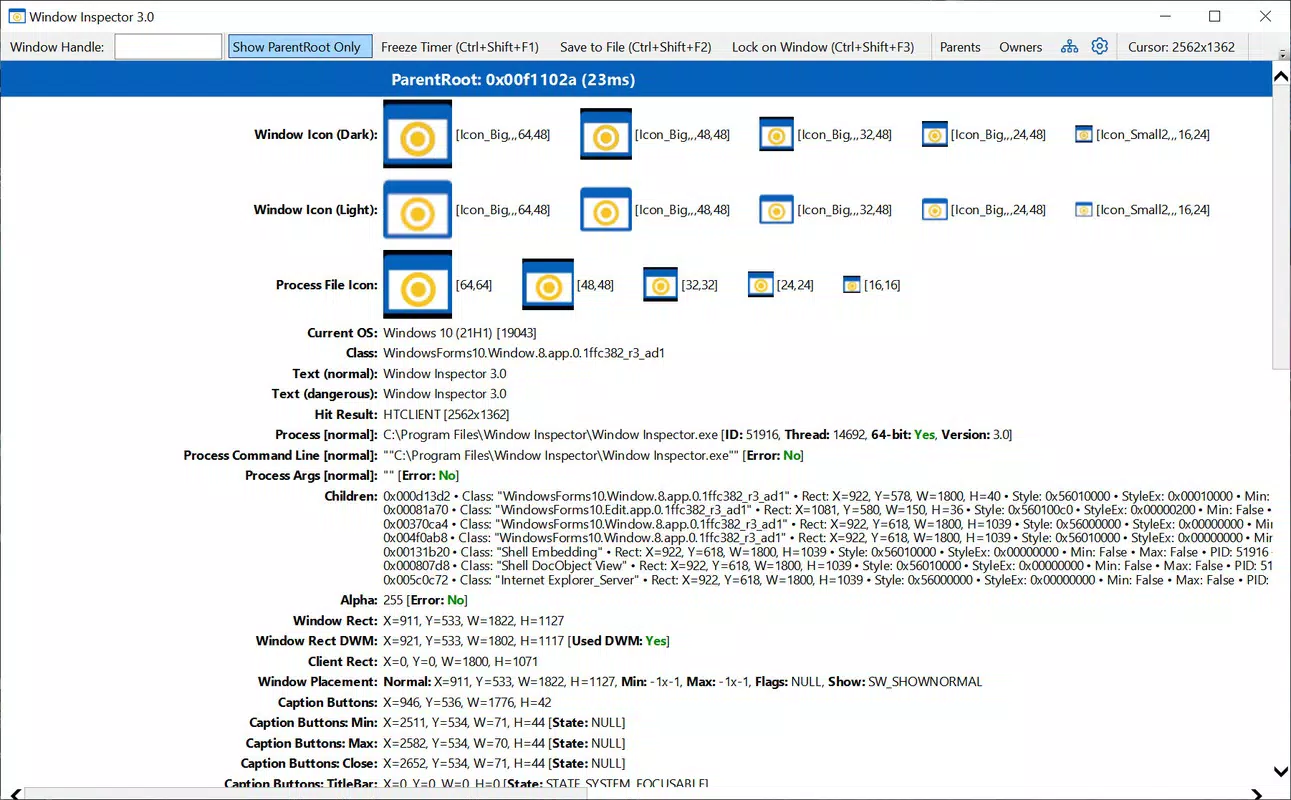
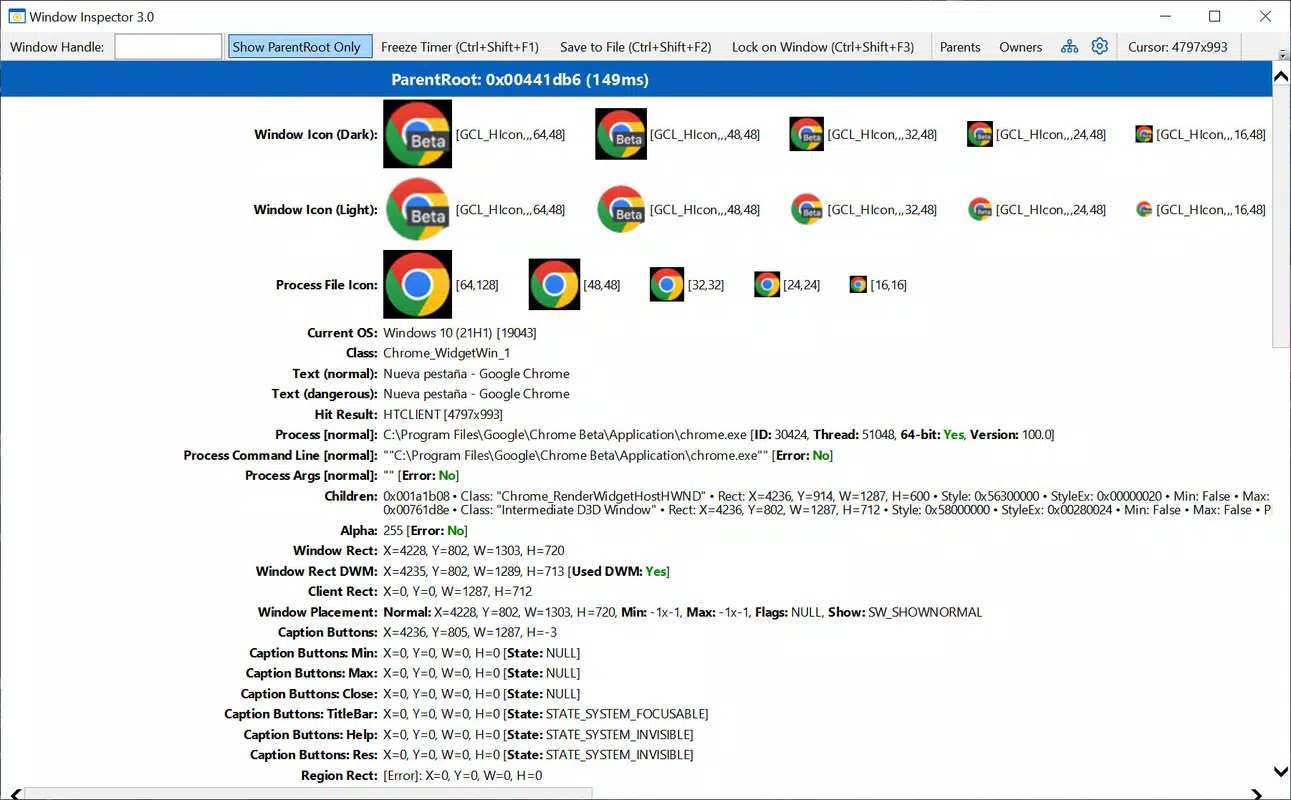
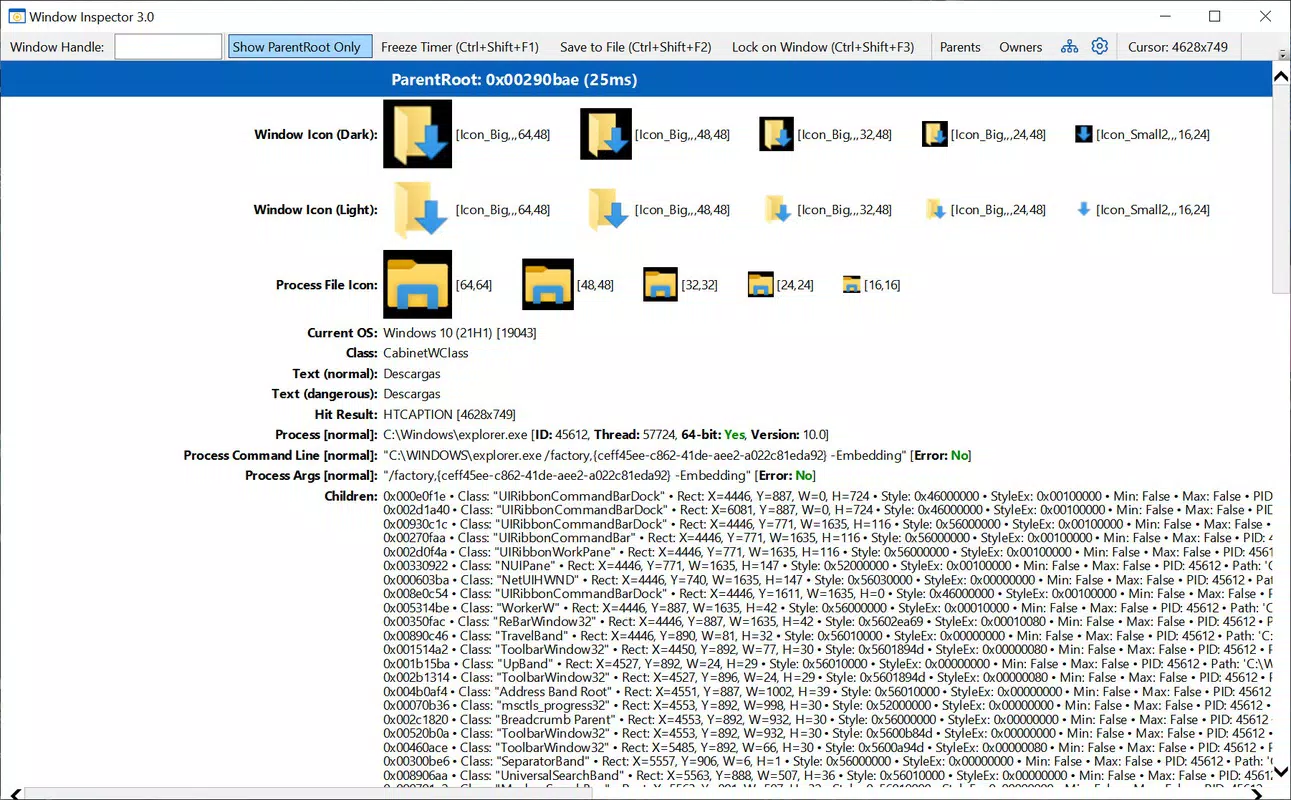
- Real-time screen element detection: Instantly identifies and highlights UI components on the screen, including buttons, text fields, and containers, enabling developers to analyze their structure and positioning.
- View hierarchy visualization: Displays a structured tree of all visible elements, allowing users to trace parent-child relationships and understand layout nesting.
- Accessibility insights: Provides information on accessibility labels, focusability, and touch target dimensions to support inclusive design practices.
- Non-intrusive inspection: Operates without requiring app modifications or root access, making it safe for use during live testing sessions.
- Lightweight operation: Designed to run efficiently with minimal system resource consumption, ensuring it does not interfere with the performance of the target application.
For example, a developer testing a responsive layout can use Window Inspector to verify how elements adapt across different screen sizes. A QA tester can quickly check if all interactive elements are properly sized for touch input. In a team setting, the app can be used to document UI inconsistencies and share visual evidence with colleagues. These practical applications demonstrate its value in streamlining development workflows and improving the quality of mobile interfaces.
Interface, UX & Performance
The user interface of Window Inspector is designed with functionality and clarity in mind. It presents a clean, minimal layout that prioritizes the visual inspection of screen elements without unnecessary distractions. Navigation is intuitive, with a single activation method that triggers the inspection overlay, allowing users to focus on the screen content while accessing relevant metadata.
Visual elements are clearly labeled and color-coded to differentiate between types of UI components, enhancing readability during debugging sessions. The app responds promptly to user input, with minimal lag during detection and rendering of screen data. Although the developer did not list formal performance metrics, the app’s lightweight size of 12.4 MB suggests optimized resource usage.
Performance across device categories appears consistent, as the app is built to operate efficiently on a range of Android devices, from mid-tier to high-end models. Responsiveness is maintained even during extended use, and the app demonstrates stability in maintaining its overlay without crashing or interfering with other running applications. The lack of reported crashes or freezes in the current release indicates a solid foundation for reliability in real-world testing scenarios.
Platform Compatibility & Technical Requirements
Window Inspector is available exclusively on the Android platform, making it compatible with a wide range of devices running the Android operating system. The current version is 1.0.1, and the app’s file size is 12.4 MB, reflecting a compact and efficient design. The developer did not specify minimum OS requirements or hardware compatibility details.
Given its lightweight nature and focus on screen-level inspection, the app is likely to function on devices with moderate processing power and memory. However, specific compatibility information was not fully disclosed, so users are advised to test the app on their target devices to ensure optimal performance. The app does not require root access or special permissions beyond those typically needed for screen overlay functionality.
Pros and Cons
Pros
- Lightweight design with minimal storage footprint (12.4 MB)
- Real-time UI element detection without app modifications
- Non-intrusive operation that preserves app performance
- Supports accessibility and responsive design validation
- Free to download and use, with no in-app purchases
Cons
- Developer did not provide detailed technical specifications or OS requirements
- Platform availability limited to Android only
- No official documentation or tutorial guides included
- Interface lacks advanced customization options
- Functionality is restricted to screen analysis, with no export or sharing features
FAQ
Is Window Inspector safe to use on my device?
Yes, the app is designed to operate securely without requiring root access or modifying system files. It uses standard Android permissions for screen overlay, which are commonly used by utility apps.
Can I use Window Inspector on iOS devices?
No, the app is currently available only for Android. There is no official iOS version or compatibility information at this time.
Do I need to root my phone to use this app?
No, Window Inspector does not require root access. It functions using standard Android overlay permissions, which are available on most devices without additional modifications.
How often should I update Window Inspector?
It is recommended to keep the app updated to the latest version (1.0.1) to ensure compatibility with new Android releases and to benefit from any performance improvements or bug fixes.
Can I share inspection results with my team?
The app does not include built-in sharing or export features. Users may need to manually document findings or take screenshots for team communication.
Final Thoughts
Window Inspector stands out as a focused, efficient tool for developers and testers seeking a no-frills solution for on-device UI debugging. Its ability to analyze screen elements in real time without requiring app modifications or root access makes it a valuable addition to any mobile development workflow. While it lacks advanced features like data export or documentation tools, its core functionality is precise and reliable.
For developers working on Android applications, especially those prioritizing accessibility and responsive design, this app offers immediate value. Its free availability and small size make it accessible to both individual developers and small teams. Although the lack of detailed documentation and platform limitations may restrict broader adoption, its niche utility is undeniable.
Download Window Inspector now


